Introduction
Pandora Box V9.13, being a leading and reliable GSM cell phone servicing device, is employed by the technicians as it is intended for flashing, unlocking, and repairing Android devices, including the FRP removal process. The new version that was released has new functionality introduced, including, but not limited to, stability improvement, faster processing of the device, and increased compatibility.
Description
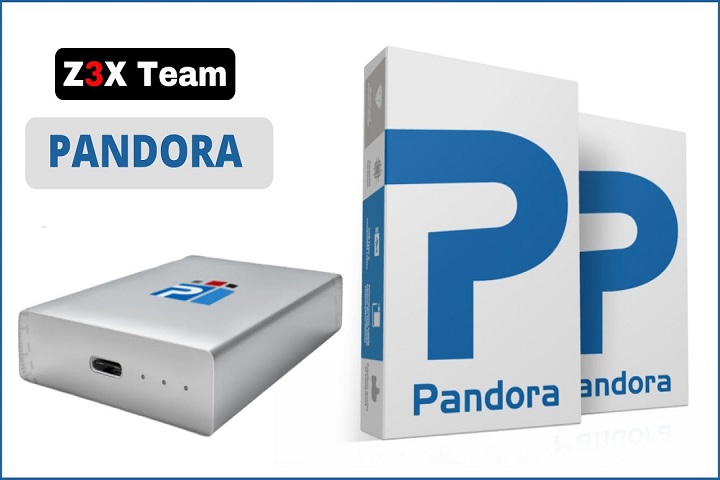
Pandora’s Box V9.13 is a software tool for advanced mobile repairing, which supports numerous smartphones of different brands.
Best known for its multi-chipset support, Pandora’s Box V9.13 is compatible with MTK, Qualcomm, SPD, Exynos, and UniSoc devices.
Key Features of Pandora’s Box V9.13
Multi-Chipset Support:
Full compatibility is undersigned for chips like MTK, Qualcomm, Exynos, SPD, and UniSoc devices.
FRP Bypass at High Speed:
Take out FRP on your brand—Samsung and Poco—including others like Xiaomi, Vivo, Oppo, Tecno, and Infinix.
Flashing Firmware:
Continues full and partial flashing where assigned with great protocol management.
Memory Card and Locks Management:
Assign lock and unlock bootloader functions, screen pattern/PIN removal, and devices stuck at recovery/startup loop.
IMEI and Network Repair:
It allowed fixing of IMEI, baseband, and network (only registered area).
Partition Residence:
Write, repair, and back up important partitions like EFS, NVRAM, SYSTEM,, etc.
What is it?
ADB, Fast Loader & EDL Support:
Enabled through innovative repair techniques in different communication modes.
Data Recovery & Backup:
Never forget to make a backup on one of your partitions before tackling a flashing process.
Simple but quick, the new tool is a real feather in the repairman’s bow.
How to Install Pandora Box V9.13
Step 1—Download the Tool
Step 3—Install Required Drivers
Your computer will need to have the essential drivers, which include the MTK USB VCOM, Qualcomm HS-USB deluder, SPD drivers, and Samsung USB and ADB/Fastboot drivers for your PC to detect the mode properly.
Step 4 – Run the Setup
Opening the extracted folder will lead to launching PandoraBox_Setup.exe. You are required to finish the setup process given.
Step 5—Connect Your Device
Enable the ADB or USB debugging mode prior to connecting it with a data cable.
Step 6 – Start Repair
Proceed to click “Start.” Wait for the tool to run the process and log its real-time status.
Finally, in consequence, detecting and rooting out any defect in the gadget is the singularity of Pandora’s Box.
Download Link: HERE
Your File Password: 123
File Version & Size: | 203.19 MB || V9.13 |
File type: compressed / Zip & RAR (Use 7zip or WINRAR to unzip File)
Support OS: All Windows (32-64 bit)
Virus Status: 100% Safe Scanned By Avast Antivirus