MDM Fix Pro Unlock Tool Free Download (Login Added)
MDM Fix Pro Unlock Tool

Introduction
The MDM Fix Pro Unlock Tool is the solution that focused technicians, repair centers, and phone professionals require when they face a high number of MDM-locked devices. Its primary purpose is to eliminate all the restrictions imposed by the Mobile Device Management (MDM) for a fast and effective result. No matter whether it is regarding global or student mode restrictions or IT admin policies, you can easily get rid of MDM locks on multiple Android smartphones using this tool. Being able to unlock MDM restrictions within seconds due to its user-friendly interface and advanced Bypass functions is no longer a wish for users who need to unlock devices. This has literally become their first go to option available.
Description
The MDM Fix Pro Unlock Tool gives the power to users to remove IT Admin Remote Management and MDM Profiles from Android Devices. Some business or school-specific phones control the restricted mode to set user restrictions on the phone. The settings of it block apps, functions of the system, normal phone setup, etc., until the last administrator details are provided.
Besides the above, this software can simplify the whole process itself by not only bypassing these restrictions but also with just a few clicks. This software has the most rights to support various MDM-locked brands, which include Samsung, Xiaomi, Motorola, and Vivo, among others. The software is based on Android connection modes such as MTP, ADB, Fastboot, etc., thus being supportive of a wide range of firmware versions.
Furthermore, MDM Fix Pro Tool, besides just offering unlocking, is also provided with additional repair features such as reboot options, system startup information, ADB activation, and diagnostic tools. Because of this, it is an overall useful tool catering to phone servicing. It is highly portable and offers a one-step method that ensures accurate and correct operations are completed by anyone, ensuring that even someone without technical knowledge can remove the MDM locks.
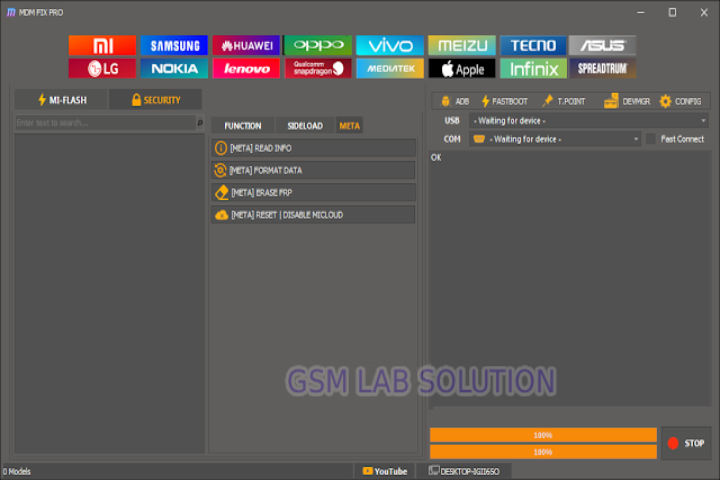
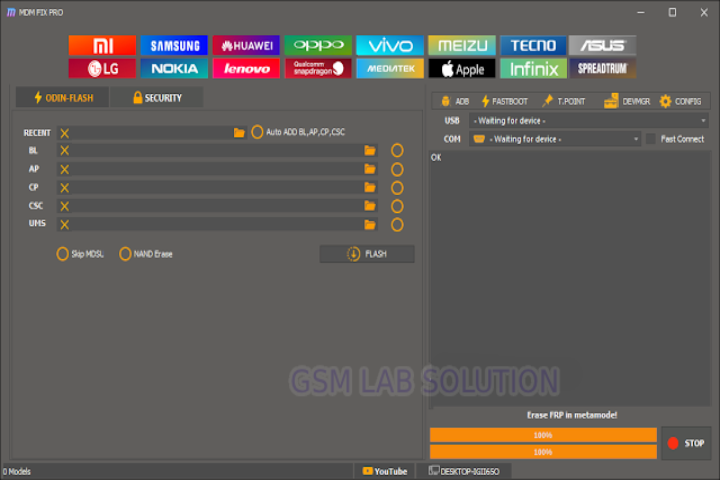
Key Features: MDM Fix Pro Unlock Tool
Here are the most powerful features that make MDM Fix Pro a must-have too:
✔ MDM Lock Removal
This amazing MDM Pro tool extricates the Mobile Device Management restrictions from Android devices automatically without user/admin authentication. It will work successfully and keep your data intact when you unlock the device.
✔ IT Admin Bypass
This solution is designed to remove all administrative restrictions and will allow the user to have full control of his/her device.
✔ Simple MTP and ADB Operations
MTP and ADB modes are supported where the user can work with the device in Unlock mode depending on the connection status.
✔ Instant and Secure Unlocking
The unlocking system can provide quick and clean results, thus helping to avoid other associated risks like boot loops, soft bricks, or data loss.
✔ Diverse Device Compatibilities
The MDM Fix is compatible both with the Akamai Edge CDN platform and with all the most popular mobile brands: Samsung, Xiaomi, Oppo, Realme, Hisense, and others.
✔ Integrating Additional Maintenance Functions
Fenders are equipped with such functions as
Reboot to Recovery/Bootloader/EDL
Read Device Information
ADB Enable (for supported models)
Fix basic software issues
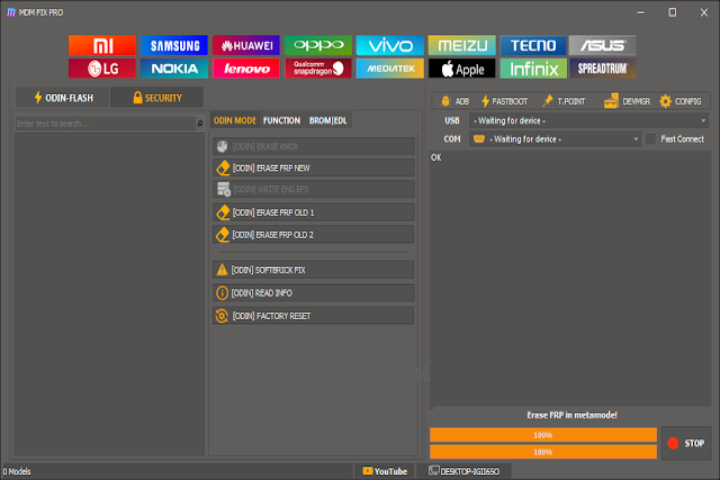
How to Install MDM Fix Pro Unlock Tool
Follow these easy steps to install and start using the tool on your computer:
Step 1: Get the Software
Step 2: Unzip the ZIP
Right-click on the downloaded ZIP file and unzip it using Windar or 7-zip.
Step 3: Installation of Device-Specific Drivers
Install these drivers:
ADB Drivers
Android USB Drivers
Device-specific OEM drivers (like Samsung, Xiaomi, etc.)
Step 4: Run This Software
Open the folder where the downloaded file is stored and run the .exe as the administrator.
Step 5: Phone Connection
Connect your Android device to your PC via a USB cable.
Step 6: Unlock and Continue
Choose the preferred feature and then press the Next key to enable the program to proceed.
Download Link: HERE
Your File Password: 123
File Version & Size: | 172.10 MB |
File type: compressed / Zip & RAR (Use 7zip or WINRAR to unzip File)
Support OS: All Windows (32-64 bit)
Virus Status: 100% Safe Scanned By Avast Antivirus