Introduction
EFT Pro Dongle V5.3.1, as one of the most comprehensive mobile servicing solutions available to Android technicians and GSM experts, poses a strong competitive force for practitioners in the field.
Description
To simplify the workflow, EFT Pro Dongle V5.3.1 is tailor-made to work with complex tasks, such as FRP bypass, flashing, unlocking, and root-level customization. The program also advances rapidly with an array of updates, which means the users can withstand the latest Android security patches with ease. The EFT Pro Dongle is an upsurge for diagnostic technicians, as they will enjoy optimized algorithms, improved compatibility with multiple devices daily, and an easy-to-use interface at the same time.
This update brings in more support of the new ASOCS, which makes it faster to flash and debug and enables you to enjoy a proper functioning experience. This software is key to your every need, be it doing repair IMEI, system recovery, or bypass. It covers everything from the beginner to the expert.
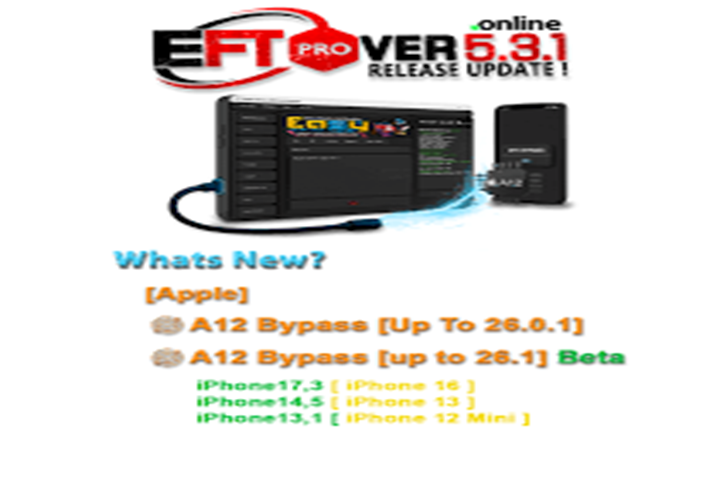
Key Features of EFT Pro Dongle V5.3.1
Powerful FRP Unlock Support
This tool is effective in FRP removal that is both stable and fast for major brands, even on the latest Android security updates.
Advanced Flashing & Repair Options
Comes with the features to flash the firmware, repair the partitions, and recover the devices from (omit)boot failure or system failure.
Wide Device Compatibility
Both supported by Samsung, Xiaomi, Oppo, Vivo, Huawei, Realme, and other rugged brands, our tool is reliable.
Fast ADB & Fastboot Operations
With ADB/Fastboot ultra-fast implementation, operations like wipe, reset, root, and debugging are done.
Network & IMEI Functions
Some models favor network unlock, baseband repair, and other hardware-related changes, for instance, IMEI.
User-Friendly Interface
The straight-talking interface makes doing advanced tasks more accessible—even to the typists who never got their own pace quite right.
Frequent Software Updates
The developers of the EFT Pro Dongle V5.3.1 methodically release new models, fix bugs, and increase the performance with each update.
How to Install EFT Pro Dongle V5.3.1
Extract the Package
Open a file with Windar or a similar program that allows you to extract loaded files.
Run the Setup File
Execute the setup by clicking on it and comply with the commands to wrap up the installation.
Connect the EFT Dongle
Utilize the USB port by attaching your EFT Pro Dongle so that the launcher can be activated.
Install Drivers
Make sure to install all the required USB drivers as well as Android drivers to initiate detection of all devices.
Download Link: HERE
Your File Password: 123
File Version & Size: | 78.69MB || V5.3.1 |
File type: compressed / Zip & RAR (Use 7zip or WINRAR to unzip File)
Support OS: All Windows (32-64 bit)
Virus Status: 100% Safe Scanned By Avast Antivirus