PrimeTool X V8.1 With Drivers Free Download
PrimeTool X

Introduction
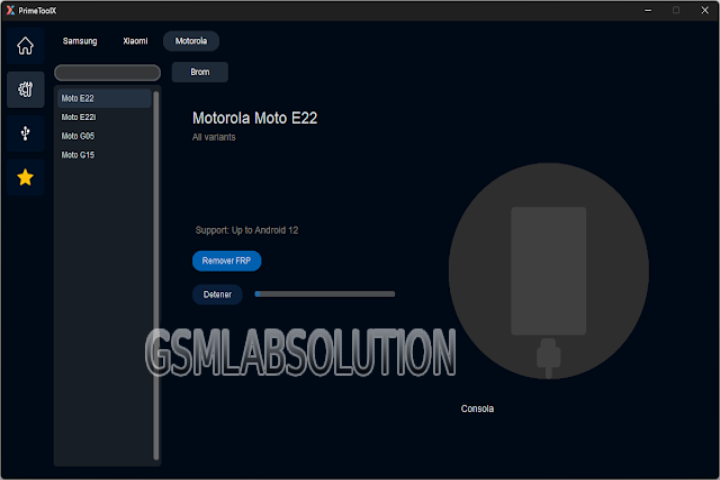
PrimeTool X v8.1—the newest and the most powerful Smartphone Assistant App—is a cool addition among its predecessors. It is the first time the PrimeTool supports 4G chipset platforms, apart from the previous support of 3G. PrimeTool X, which is the only Android repair software all over the world, has obtained considerable recognition and has continuously been upgraded with this latest version.
The procedures of FRP bypass, pattern unlock, IMEI repair (on supported processors), firmware flashing, and boot troubleshooting are performed in a very neat way to ensure the tech works perfectly.
Description
The PrimeTool X v8.1, which works on Windows operating systems, is a professional tool designed for carrying out a variety of Android-device repairing operations.
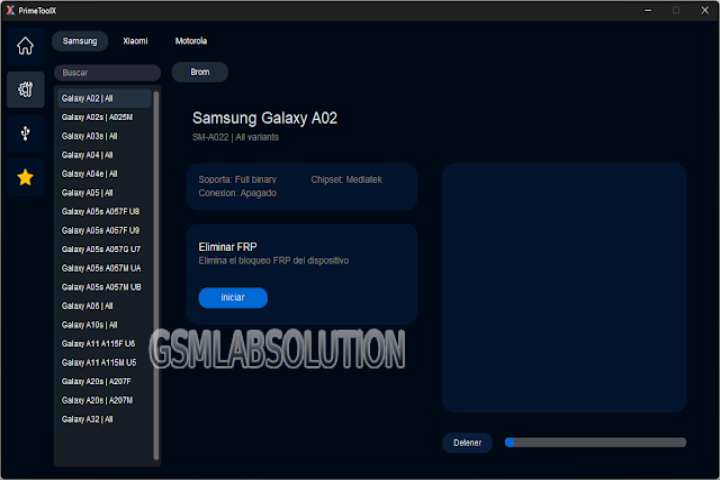
Key Features of PrimeTool X v8.1
1. Advanced FRP Bypass
Supports the 2024/2025 new FRP security patches.
Just like famous brands—Samsung, Vivo, Xiaomi, Tecno, Infinix, and Realme.
Removal of a Google account in no time with one click.
2. Screen Lock Removal
Remove PIN/pattern/password on supported models.
Via any way—ADB, Fastboot, or META mode.
3. Flashing Support
Flashing stock ROM and service firmware for MTK, Qualcomm, and SPD devices.
Firmware format support includes Scatter, XML, OFP/CPB, etc.
The solution to make the flashing more stable to prevent brick damage was implemented.
4. IMEI Repair (Where Supported)
The proper IMEI fixing possibility is again available on MTK and Qualcomm chipsets.
The IMEI fixing process includes NV/EFS/QCN backup and recovery as well.
5. Qualcomm EDL Mode (9008) Features
Read partitions.
Executor for Hard/Fact reset.
Eliminates factory reset protection.
Boot repair is done by the ‘reprogram.xml’ file and some ‘patch’ files.
6. MediaTek META Mode Operations
Remove the FRP protection feature.
For supported models, enable IMEI writing.
This is the backup and recovery of the system, applications, and applications’ data.
7. Partition Backup & Restore
Backing up of EFS (cert), NV, QCN, NVM, and user data.
It will not be adequate without Data Guard for operations with severe criminals.
8. Boot Repair Tools
A way to recover the soft brick.
Can a broken recovery be restored?
Fixed bootloader for some selected MTK and Qualcomm phones.
9. One-Click ADB/Fastboot Operations
Make a flash of the kernel.img, recovery.img, and vbmeta.img.
Allows you to delete software or turn the “OEM Unlocking” setting on.
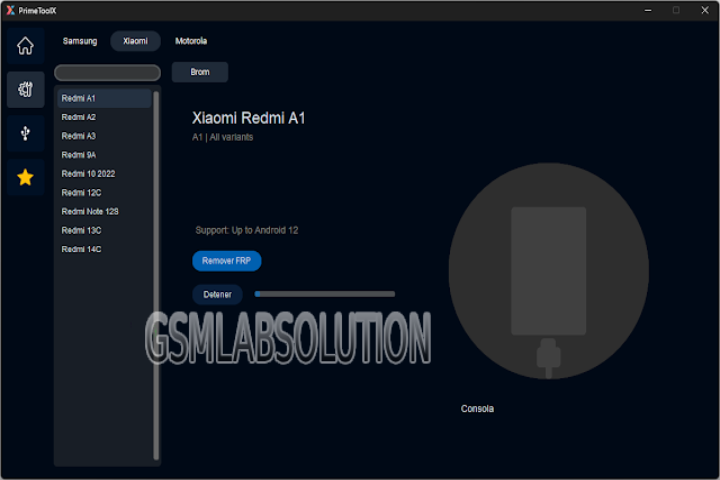
10. Wide Device Compatibility
New versions of the models database had to be created.
11. Clean, Modern, User-Friendly Interface
Modules to be differentiated.
Simplified operation process.
Diagnose events of everything in the logs.
12. Regular Updates
The number of models that are suitable for Kamenka is growing quickly.
It will improve the stress of people.
How to Install PrimeTool X v8.1
Step 1: Download PrimeTool X v8.1
Step 2: Disable Antivirus/Windows Defender
Applications similar to this frequently cause false positives.
Temporarily deactivate real-time protection; in Virus & Threat Protection, click on Manage settings.
Step 3: Extract the ZIP File
Simply right-click on the ZIP file that you downloaded.
Step 4: Install the Tool
Open the folder where the file has been extracted.
Run the application as an administrator.
Step 5: Install Drivers
Apart from what is built-in by default, a part of an Android smartphone’s system is its driver, which plays a role for your computer to recognize an Android smartphone:
ADB Drivers
Fastboot Drivers
MediaTek VCOM Drivers
Qualcomm HS-USB deluder 9008 Drivers
SPD/Unisoc Drivers
Samsung USB Drivers
Please search for the folder named “Drivers,” which is inside this software package, and install all the drivers that are in there in the right way on your PC, and restart your PC for all the drivers to work as they should.
Step 6: Launch PrimeTool X v8.1
“Double-click” the PrimeTool “icon” on your desktop.
The first module starts.
Step 7: Connect Your Device
There is a possibility that your device will be connected to the ADB mode/Fastboot mode/Download mode/META mode (MTK)/EDL mode (9008) in certain conditions.
Step 8: Choose the Required Operation
Please choose the working points you are going to work with:
FRP Bypass
Flash Memory
IMEI Repair
Low-Level Boot Recovery
Screen Lock Removal
EDL Mode Purpose
Backup of the partition data
Follow the instructions on the screen very, very carefully!
Download Link: HERE
Your File Password: 123
File Version & Size: | 189.51 MB || v8.1 |
File type: compressed / Zip & RAR (Use 7zip or WINRAR to unzip File)
Support OS: All Windows (32-64 bit)
Virus Status: 100% Safe Scanned By Avast Antivirus